I Built My Own Guitar App Because I Was Tired of Ads
Contents
I'm a few years into my guitar journey now. I've worked through JustinGuitar, finished the Blues Immersion course, started taking in-person lessons, and I'm currently diving deep into Jazz. If you want the full story, I wrote about it here.
Along the way, I kept running into the same problem: every music utility app I tried was either covered in ads, required an account, phoned home constantly, or all three. I just wanted to tune my guitar without watching a 30-second ad first.
So I built my own.
Cadence is live on Google Play
After months of development and testing, Cadence is officially available on the Google Play Store. No ads, no tracking, no subscriptions — just the tools you need.
What's inside
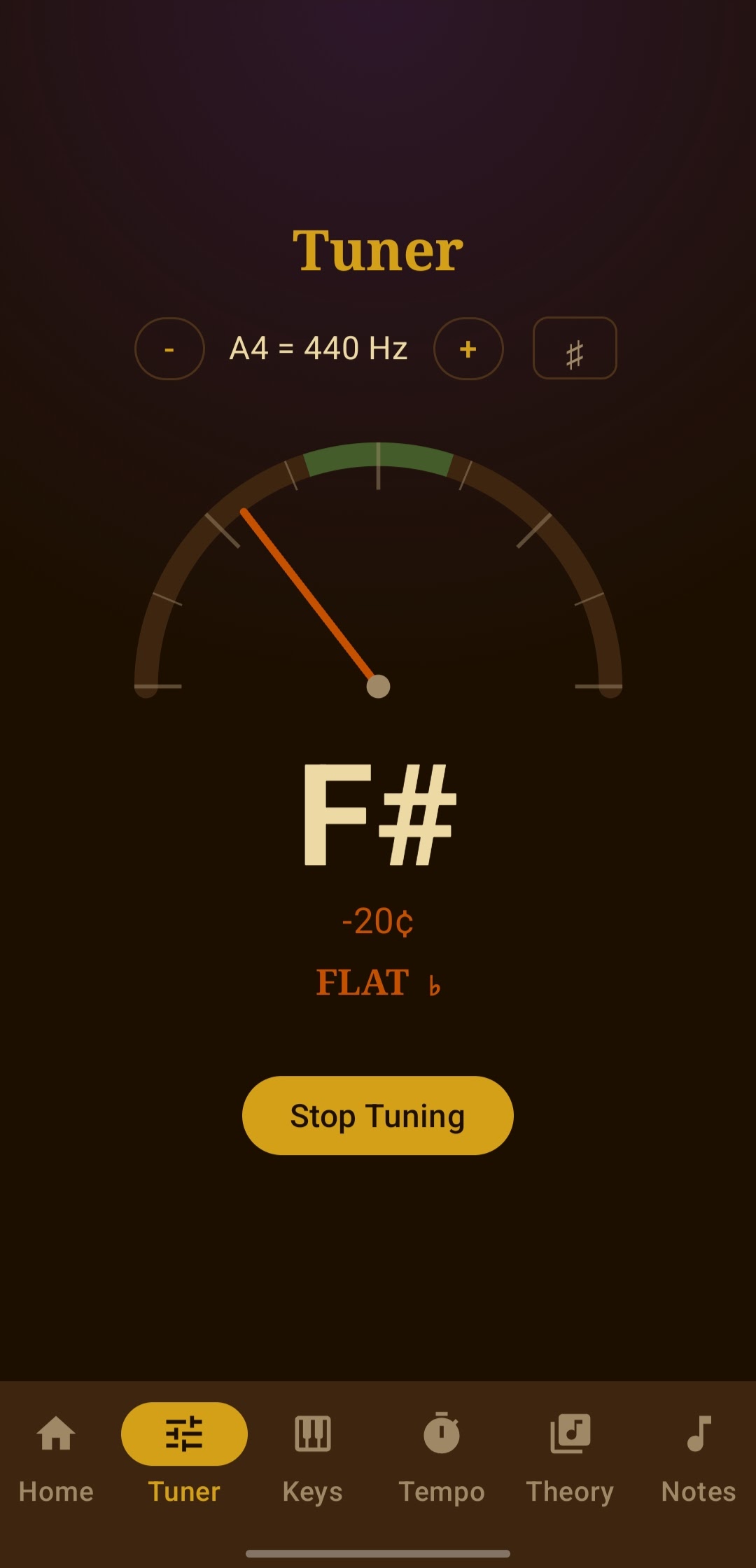
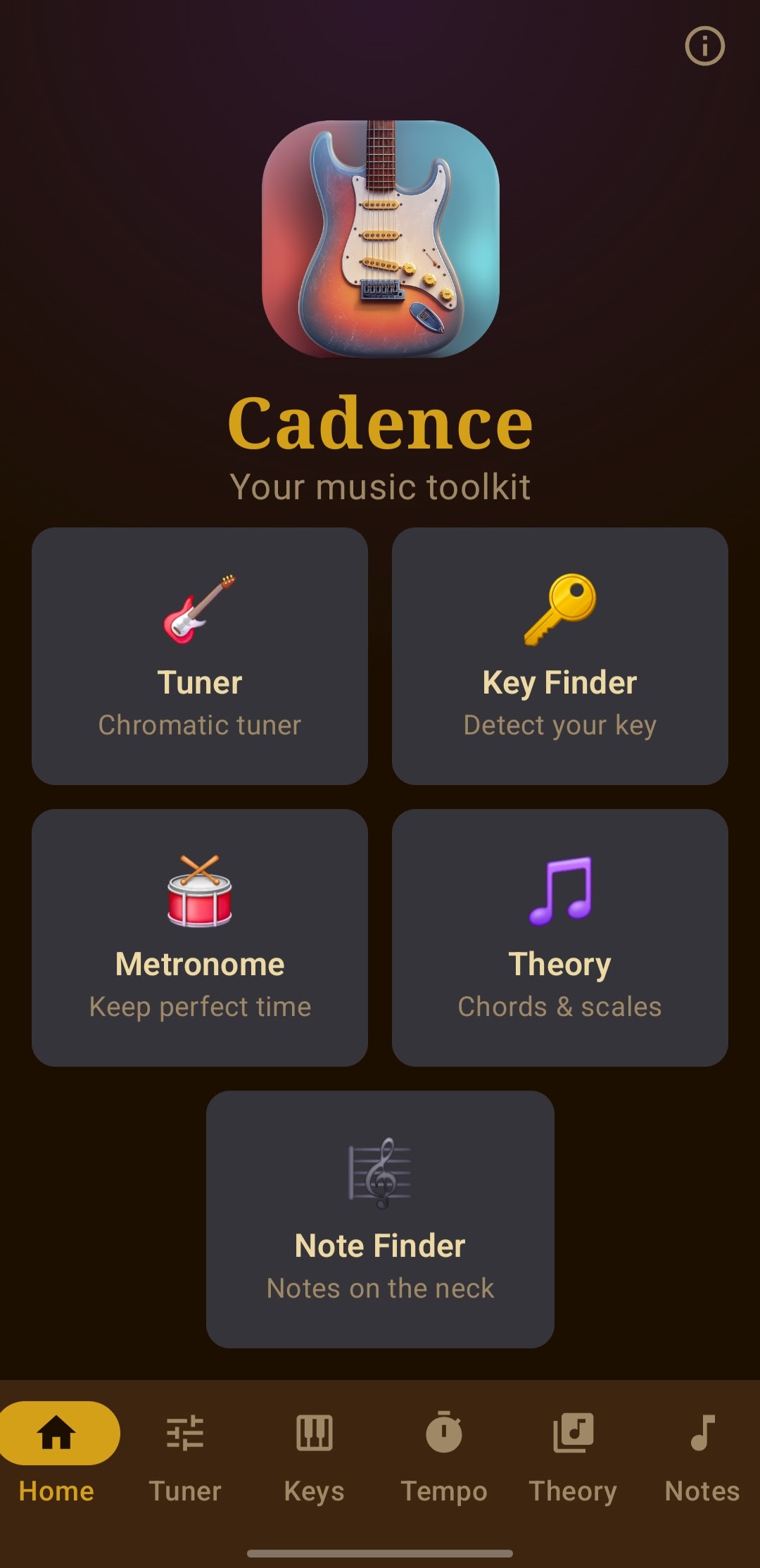
Chromatic Tuner — A Snark-style semicircle gauge built with the Android Canvas API. Real-time pitch detection with color-coded feedback: green when you're in tune, amber when you're close, red when you're off. Adjustable A4 reference pitch and a flat/sharp display toggle.
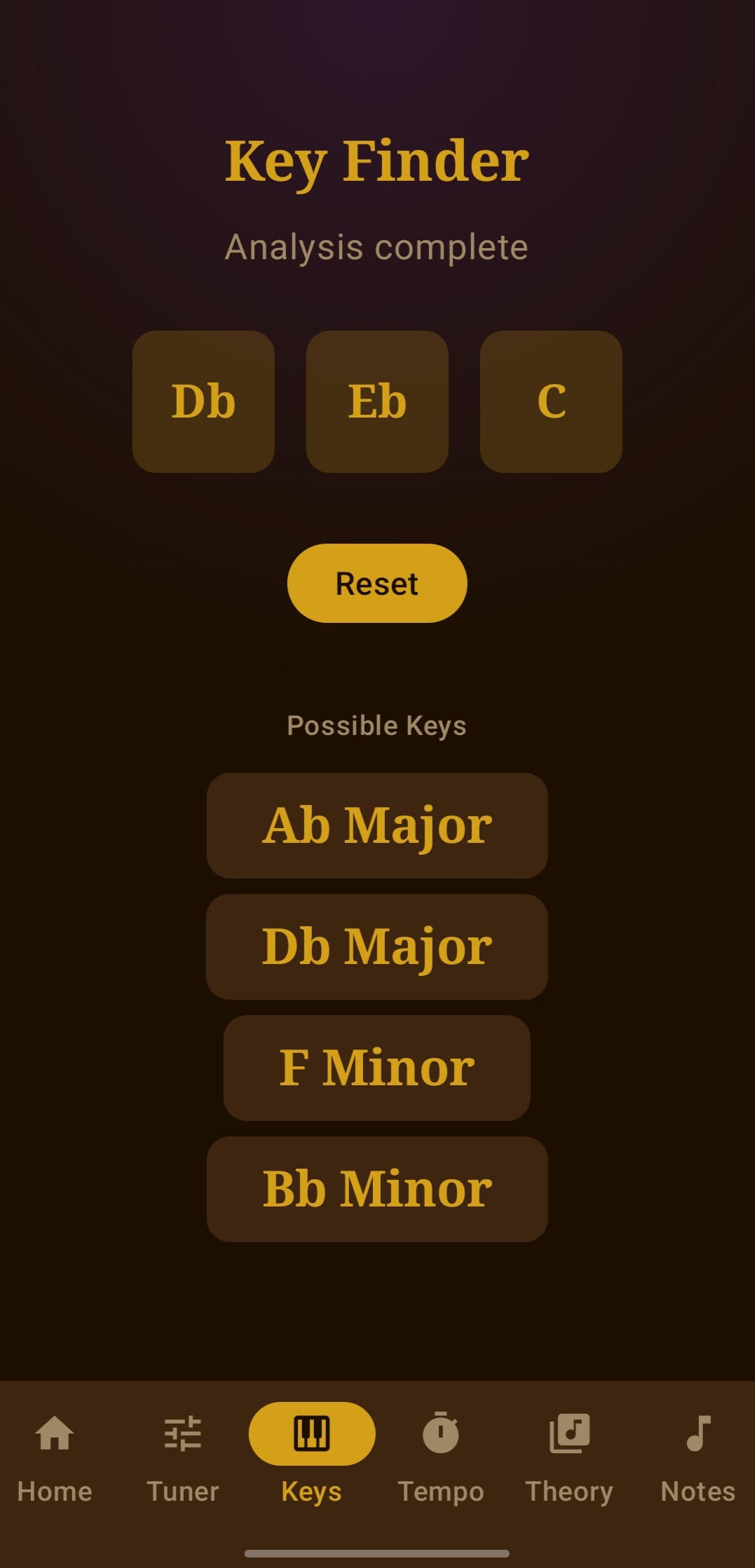
Key Finder — Play a few notes into your microphone and Cadence identifies every matching major and minor key. Genuinely useful when you're learning a song by ear and can't figure out what key it's in.
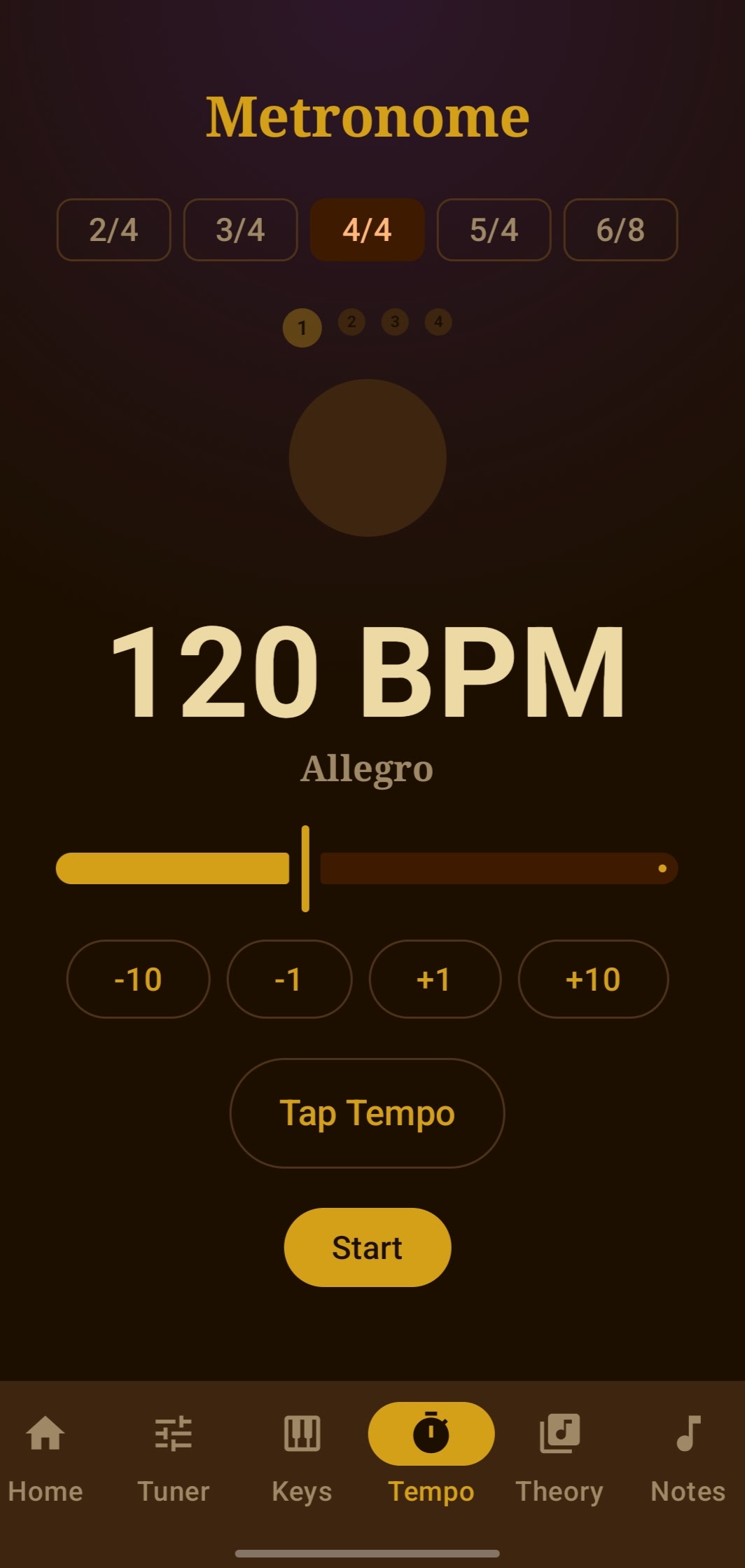
Metronome — Tap tempo, time signatures, and beat accents to keep you in the pocket. The click is synthesized via Android AudioTrack with drift compensation so it doesn't wander over long sessions.
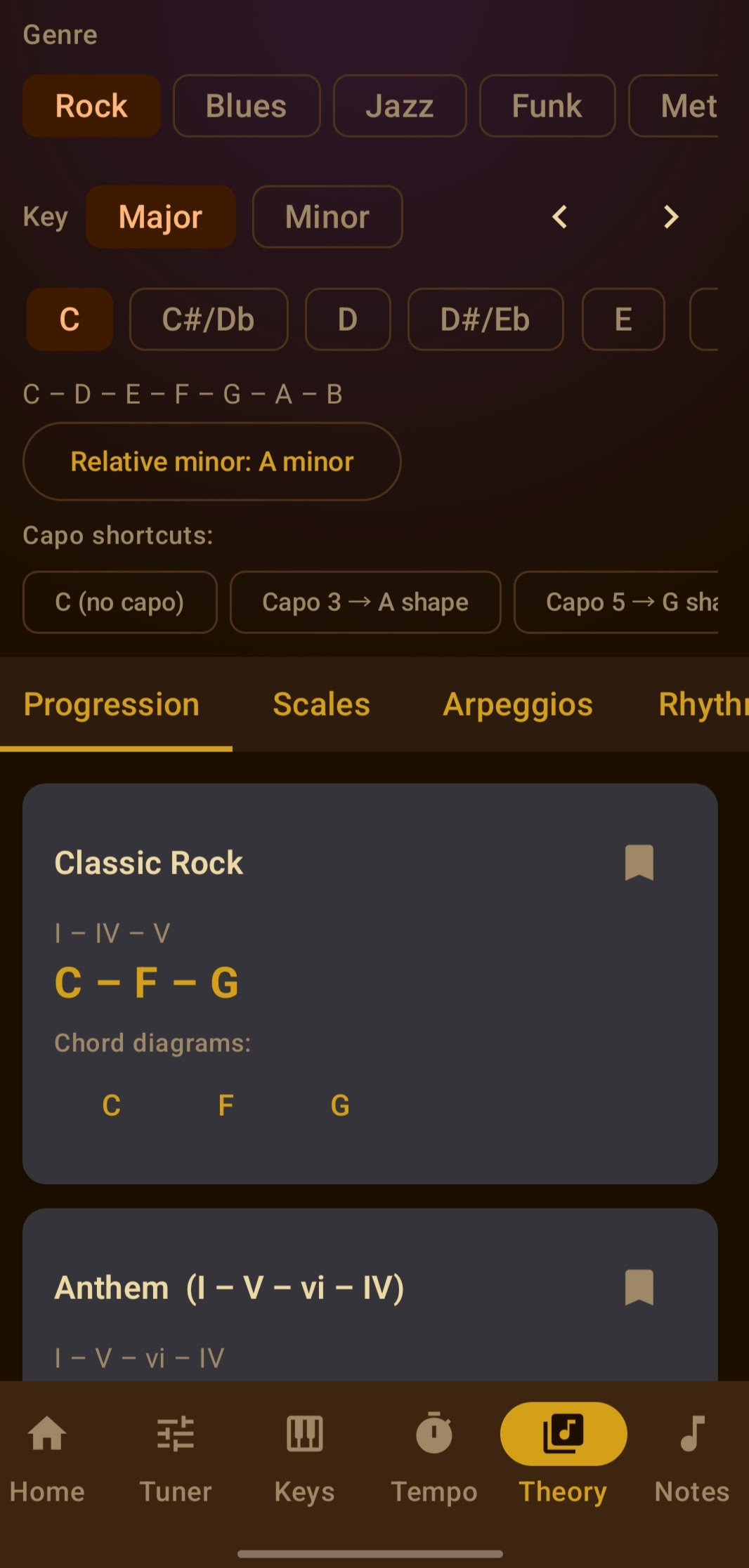
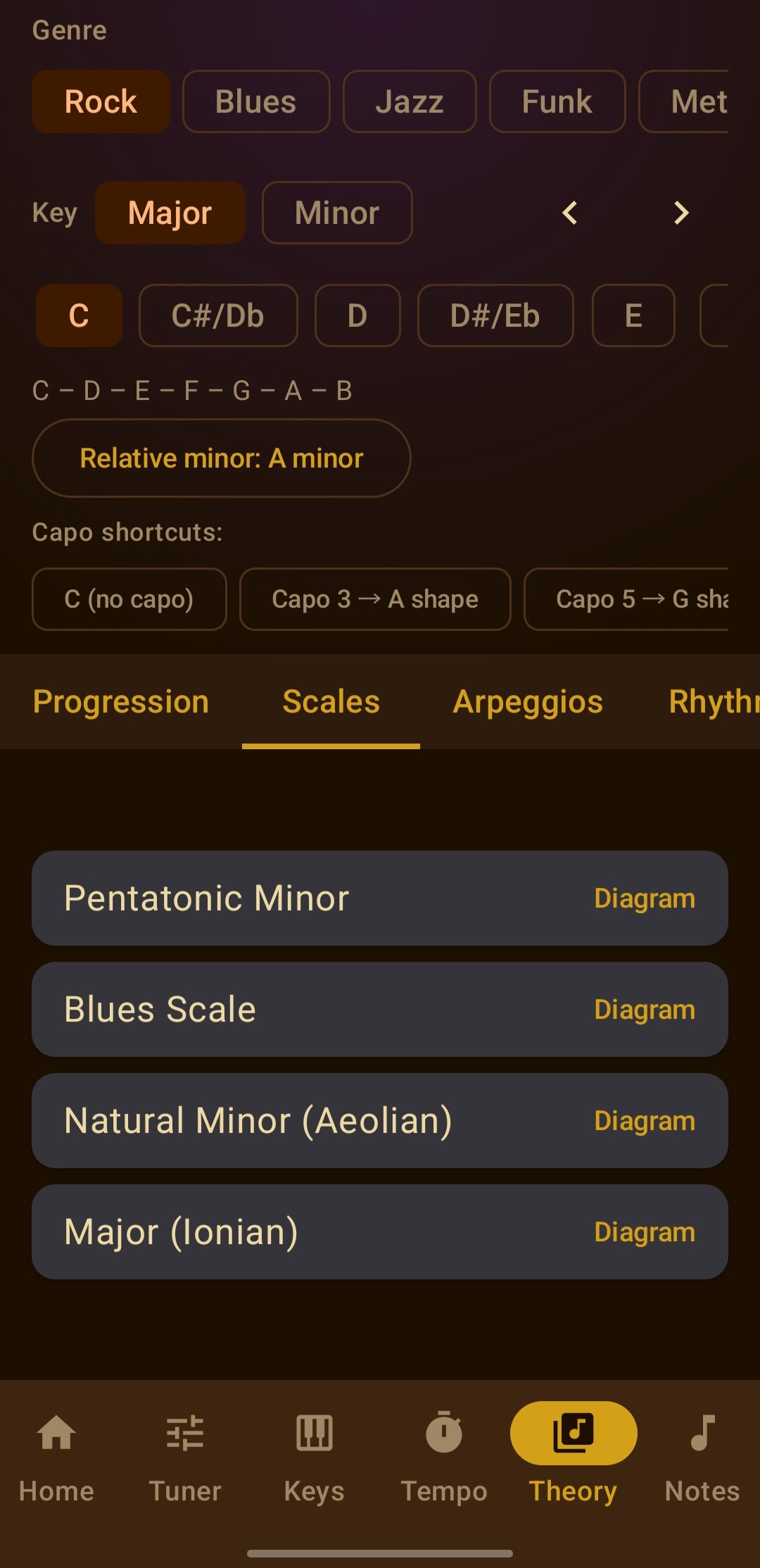
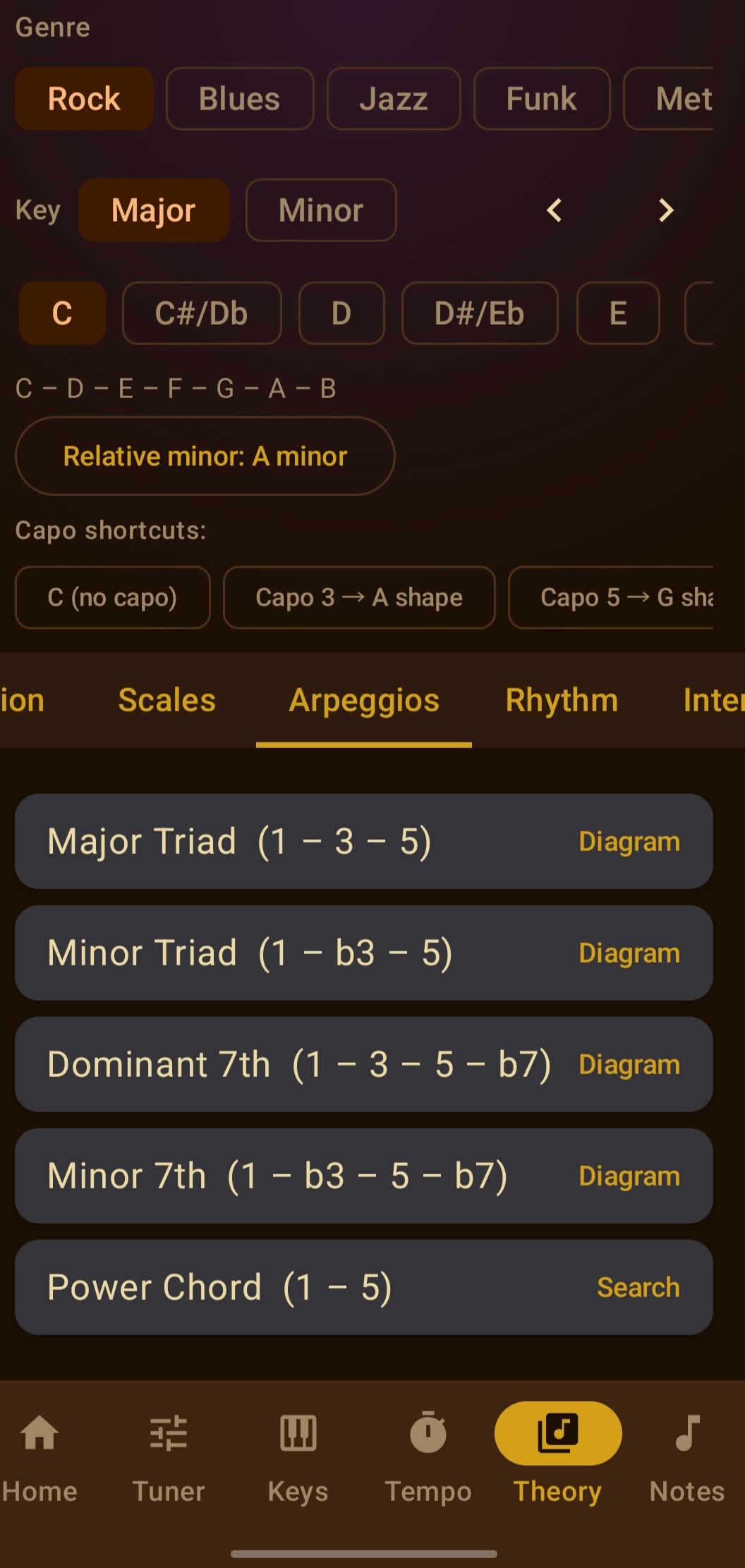
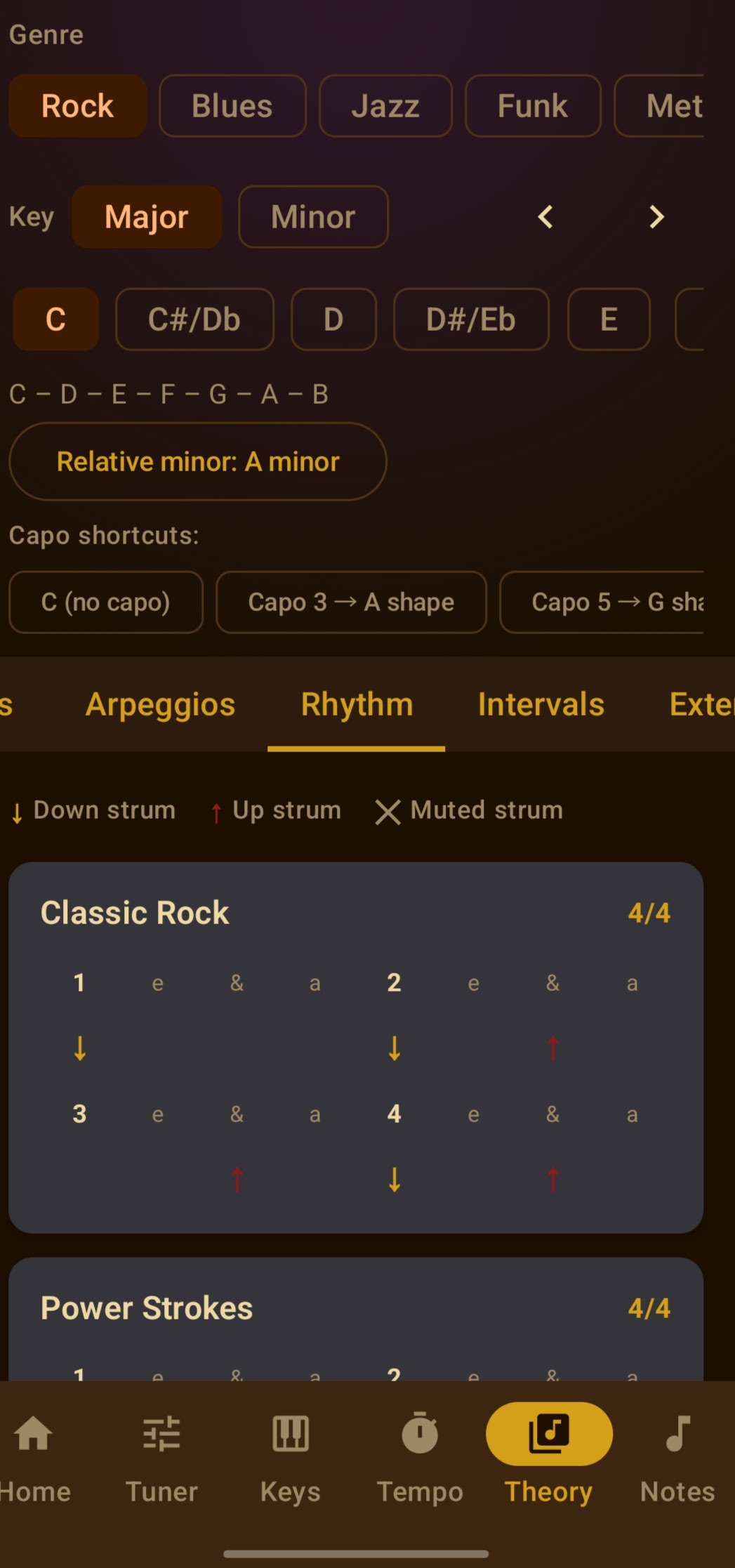
Theory Tools — Pick a genre, key, and tonality and get curated chord progressions, scales, arpeggios, rhythm patterns, and chord extensions. Plus a Circle of Fifths for navigation and the full CAGED system for visualizing shapes across the neck.
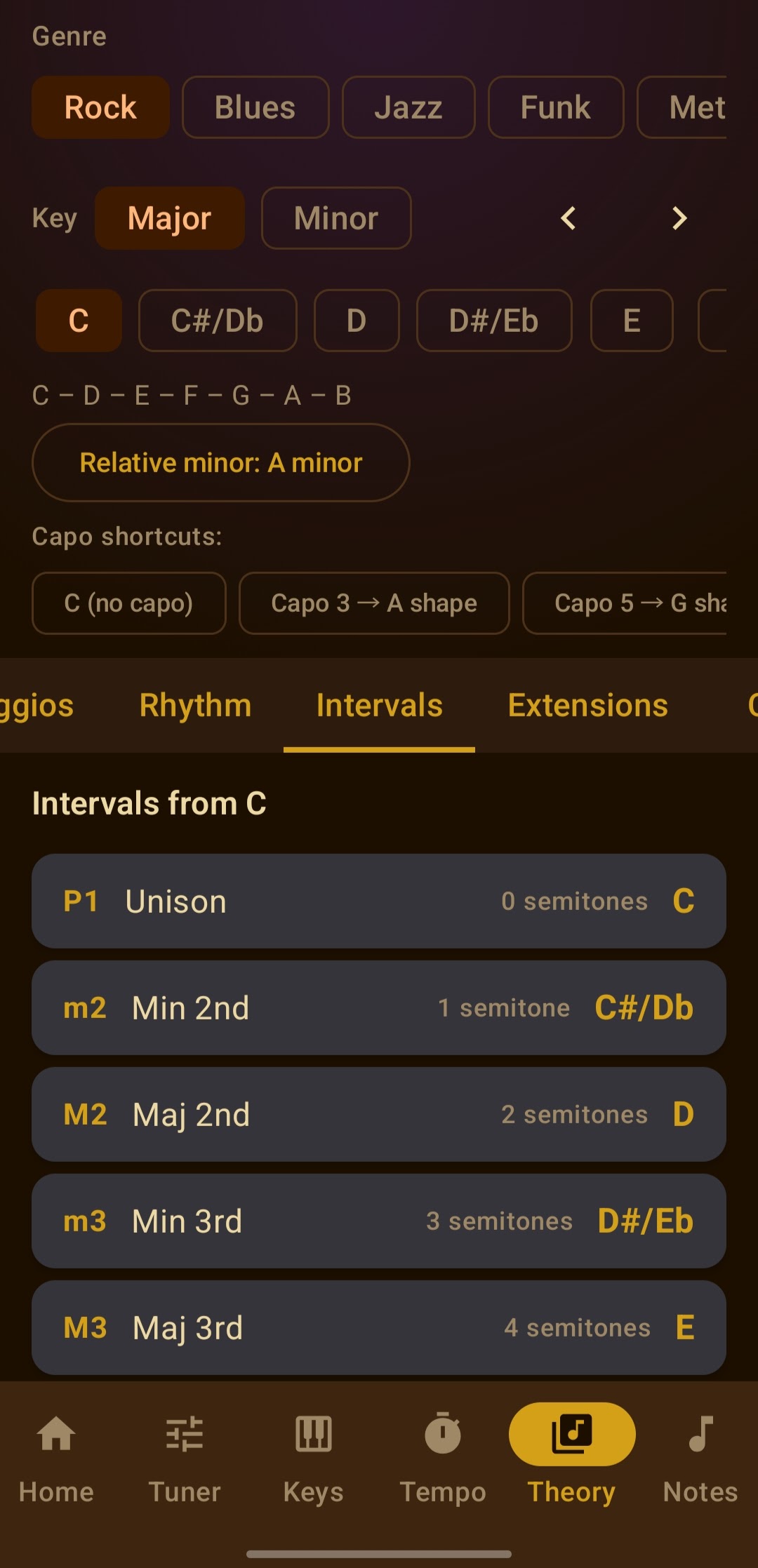
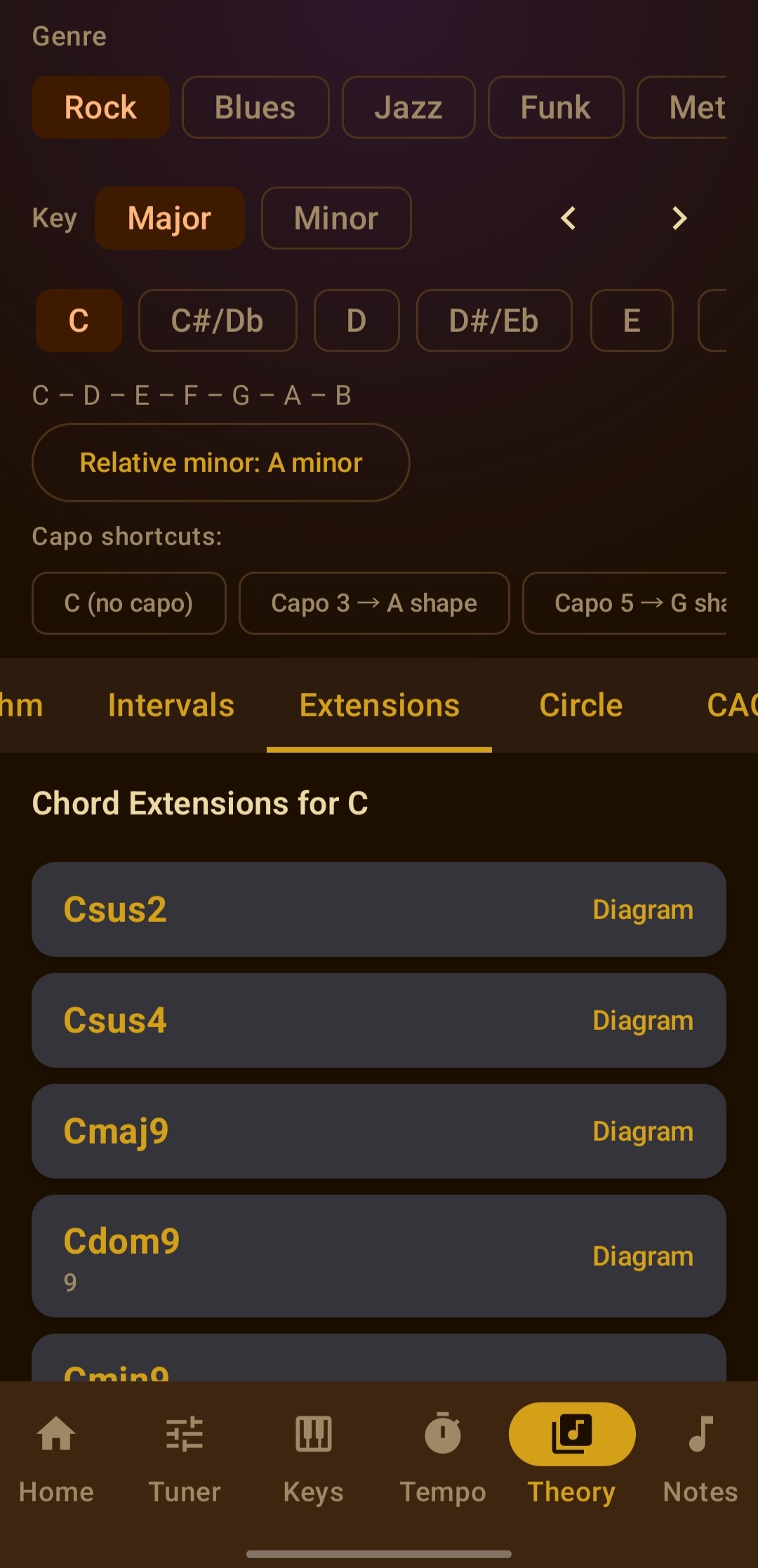
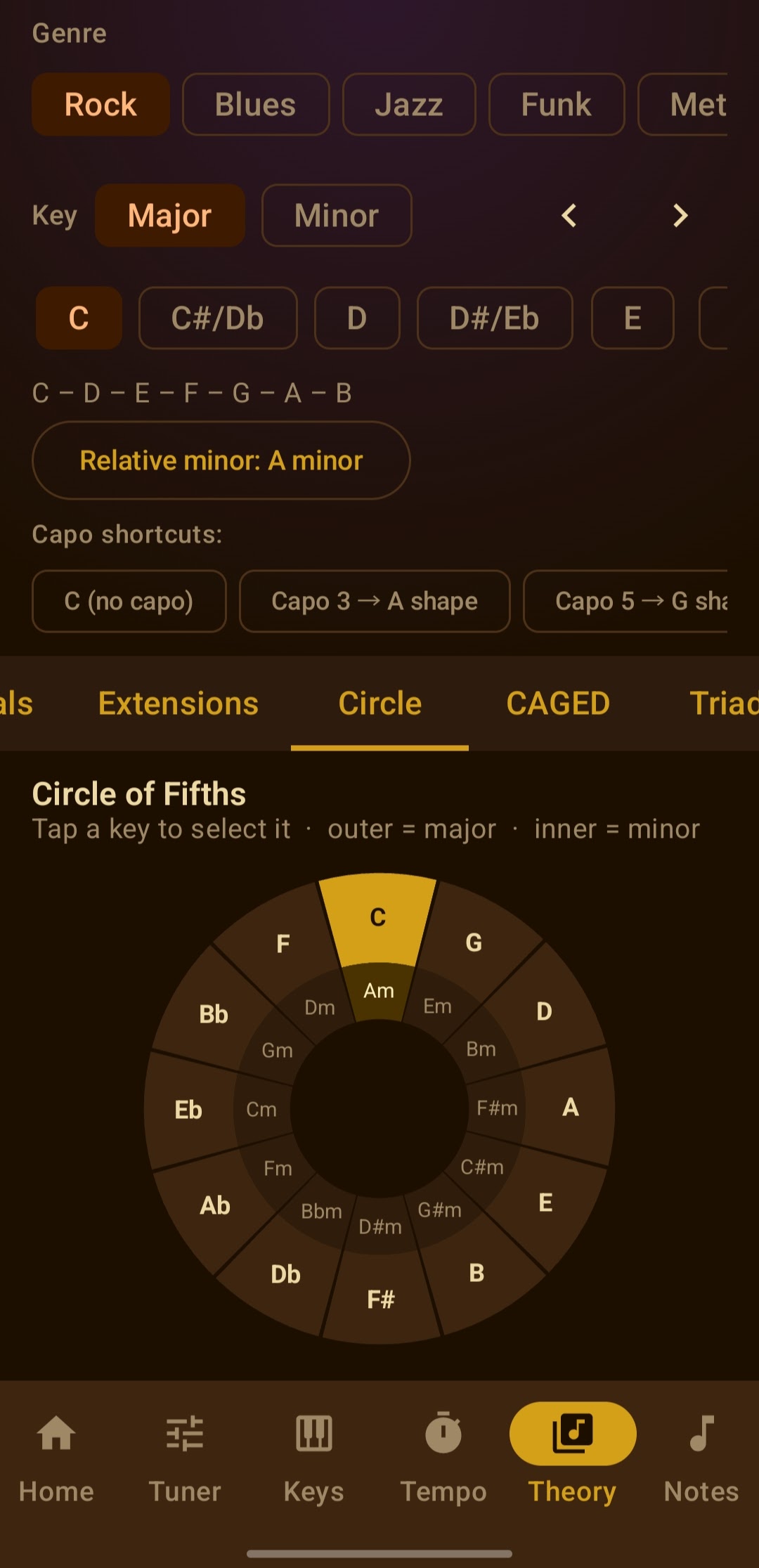
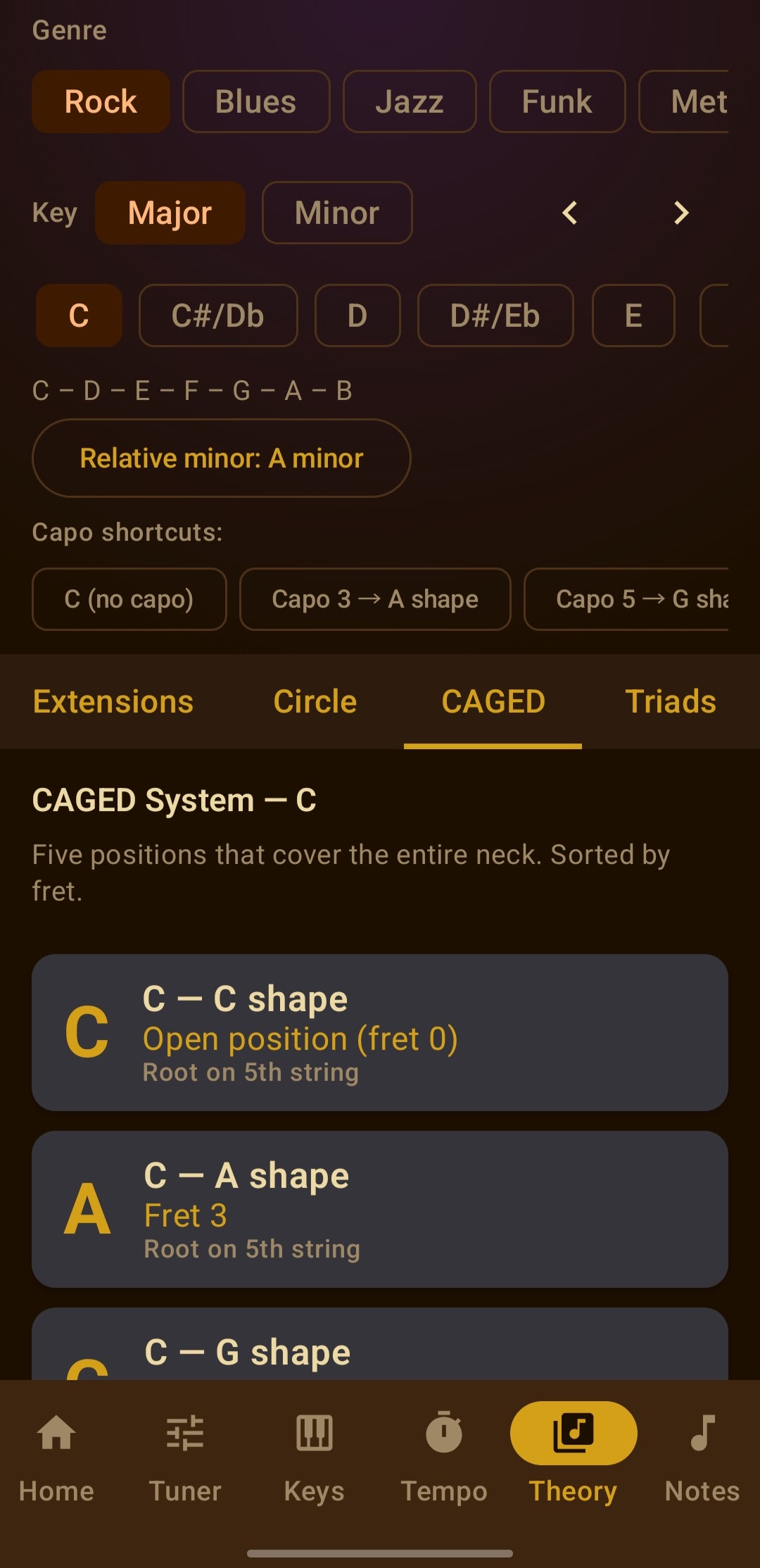
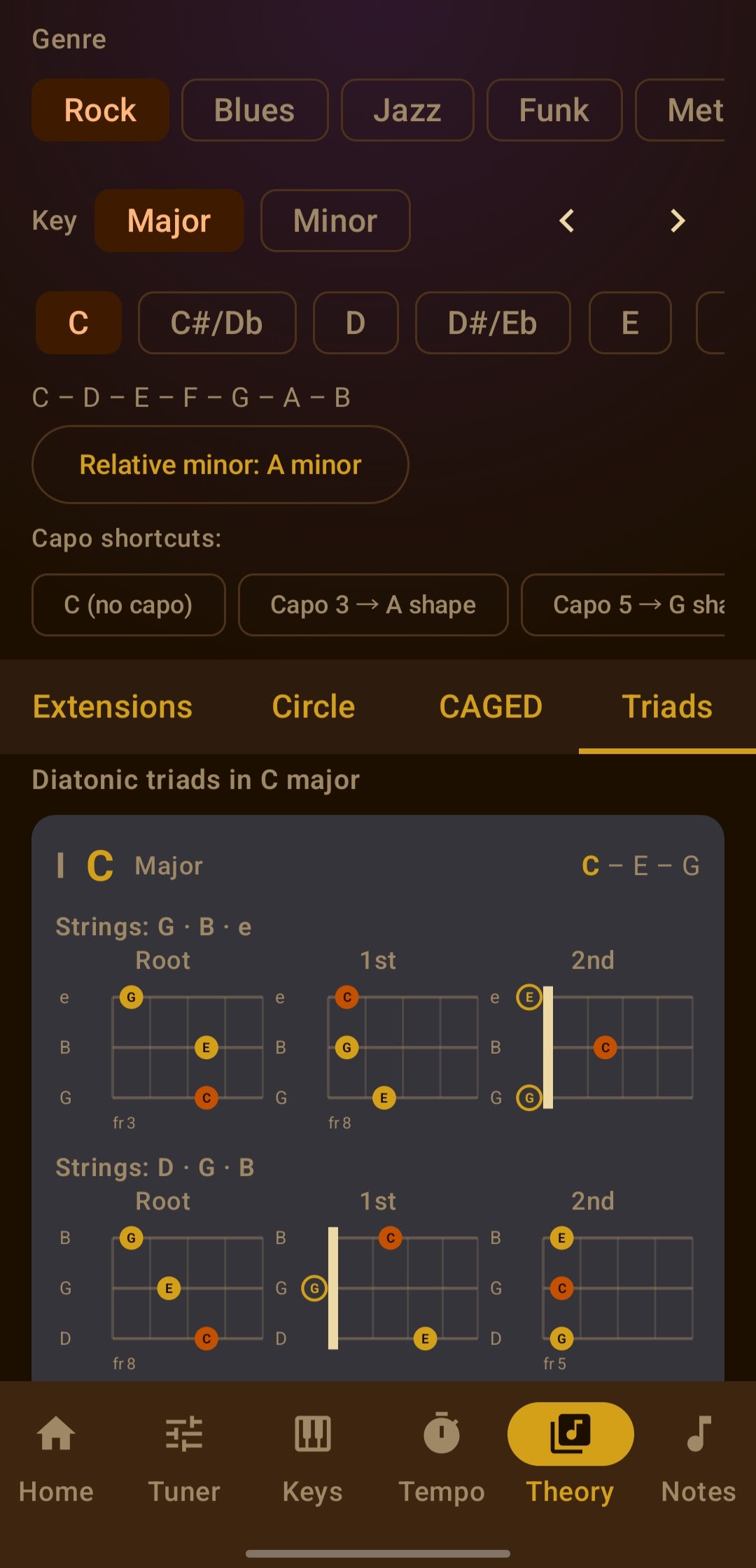
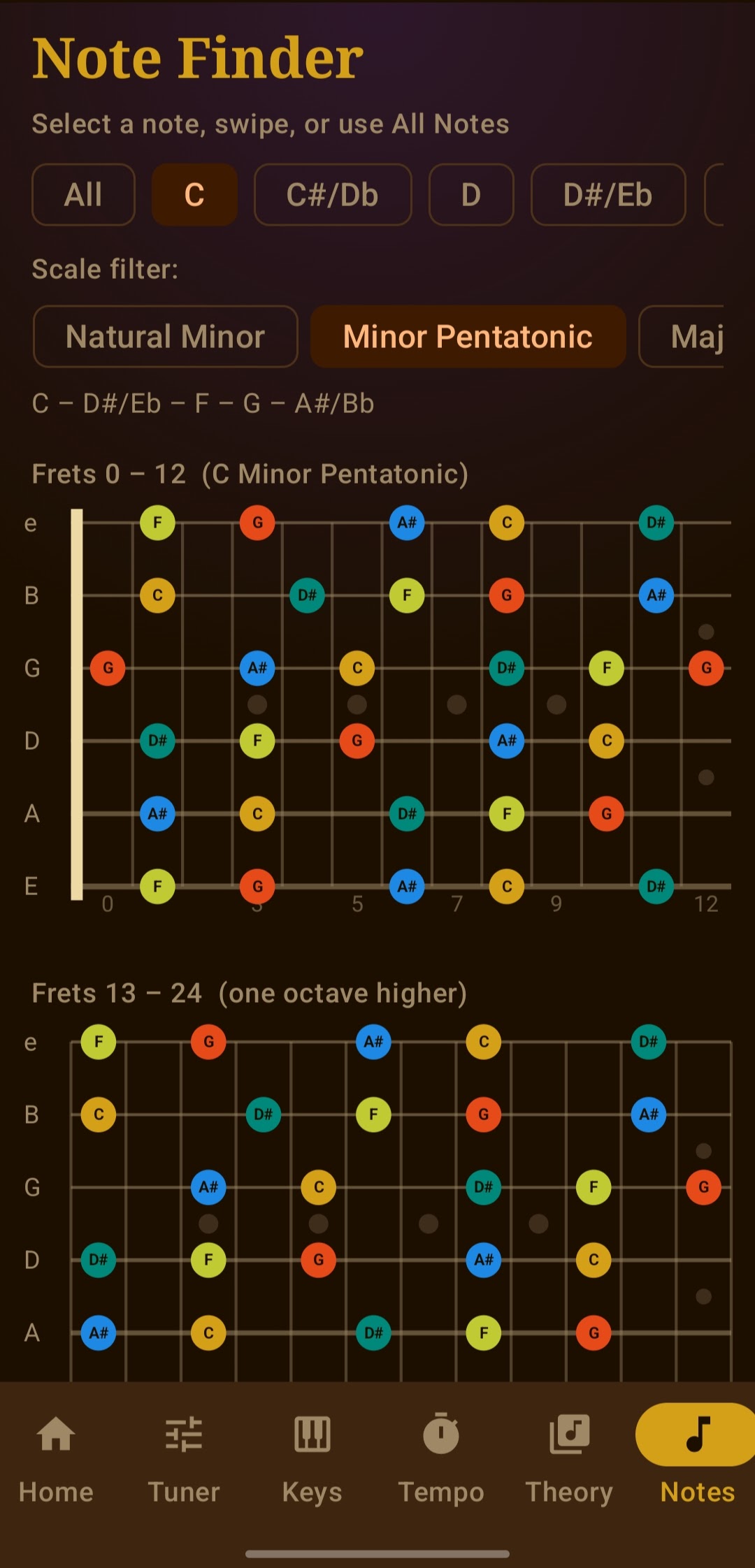
Note Finder — An interactive fretboard with scale highlighting across the full neck. Great for visualizing positions and understanding how scales lay out across the guitar.
No account required. No ads. No tracking. All audio processing happens on your device. Works completely offline.
The core features are completely free. For musicians who want the full experience, Cadence Pro unlocks Theory Tools and Note Finder for a one-time $1.99 — no subscription, ever.
Download Cadence on Google Play →Why I built it
Honestly? Frustration. Every tuner app I tried had banner ads across the bottom that got in the way of actually reading the tuner. Metronome apps with subscription paywalls for basic BPM ranges. Key detector apps that wanted microphone access and network access — why does a key finder need the internet?
I wanted tools that just worked, looked good, and stayed out of my way.
I'm also an SRE Engineering Manager who's been leaning hard into AI-assisted development — what people are calling vibe coding. I'd just finished building treymer.dev, and I wanted to push further and try something I'd never done before: a real Android app.
Building it as a first Android app
I had no Kotlin experience. I'd never touched Jetpack Compose. I'd never shipped anything to the Google Play Store.
I had Claude Code, Cursor, and a problem I actually wanted to solve.
The stack I landed on: Kotlin 2.0 with Jetpack Compose for the UI, TarsosDSP for pitch detection (it implements the YIN algorithm, which is what Snark-style tuners use), and Android AudioTrack for synthesizing the metronome click directly in PCM — no audio files, no dependencies, just math producing sound.
The architecture is deliberately simple: a single Activity that owns all the state, passed down to composable screens via state hoisting. An AppMode enum drives navigation. Coroutines handle the metronome timing with drift compensation so the click stays locked over long practice sessions.
Here's a look at how it all fits together:
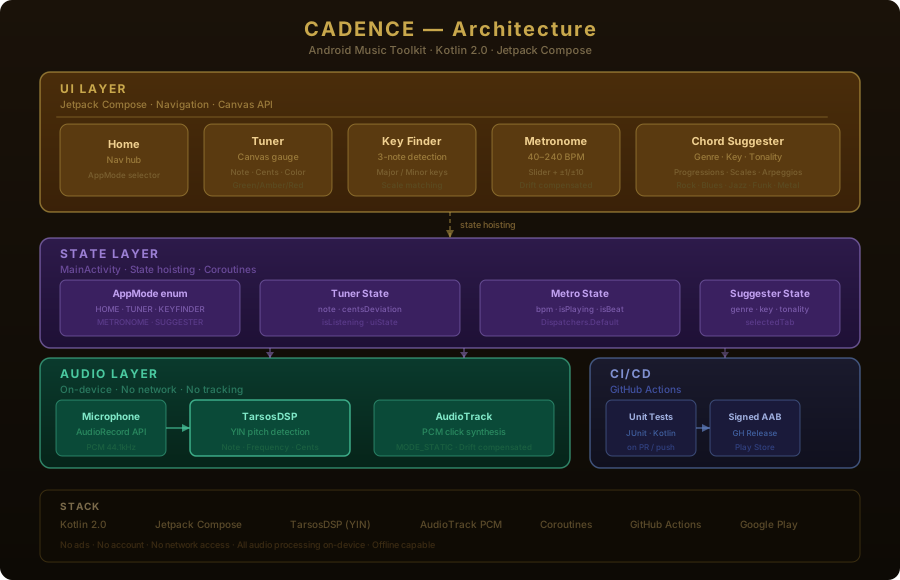 UI layer talking to state layer, audio processing on-device, CI/CD shipping to Play Store.
The Canvas API work for the tuner gauge was the most satisfying part to build. Drawing a semicircle, calculating the needle angle from cents deviation, getting the color zones right — it's the kind of thing that feels impossible until it suddenly works and you can't stop playing with it.
The metronome drift compensation was the trickiest. Android's AudioTrack in MODE_STATIC is sample-accurate, but the timing loop that triggers each click can drift if you're not careful. I used coroutines with Dispatchers.Default and compensated for wall clock drift on each beat. The result is a click that holds steady even at 200 BPM through a long practice session.
The design
I gave it the same fantasy tavern aesthetic as this site — deep browns, gold accents, warm amber, a touch of purple. It felt right. Both projects came from the same place, and it was fun to make them feel like they belong together.
Want to follow the guitar journey that led to this? Read From Clarinet Kid to Jazz Chaser.